Routines
Give school mornings, study sessions, or your evening reset a routine of their own. Your library shows how many steps each one has and how long it takes.
Start a routine you’ve saved, or make a new one when your day changes.
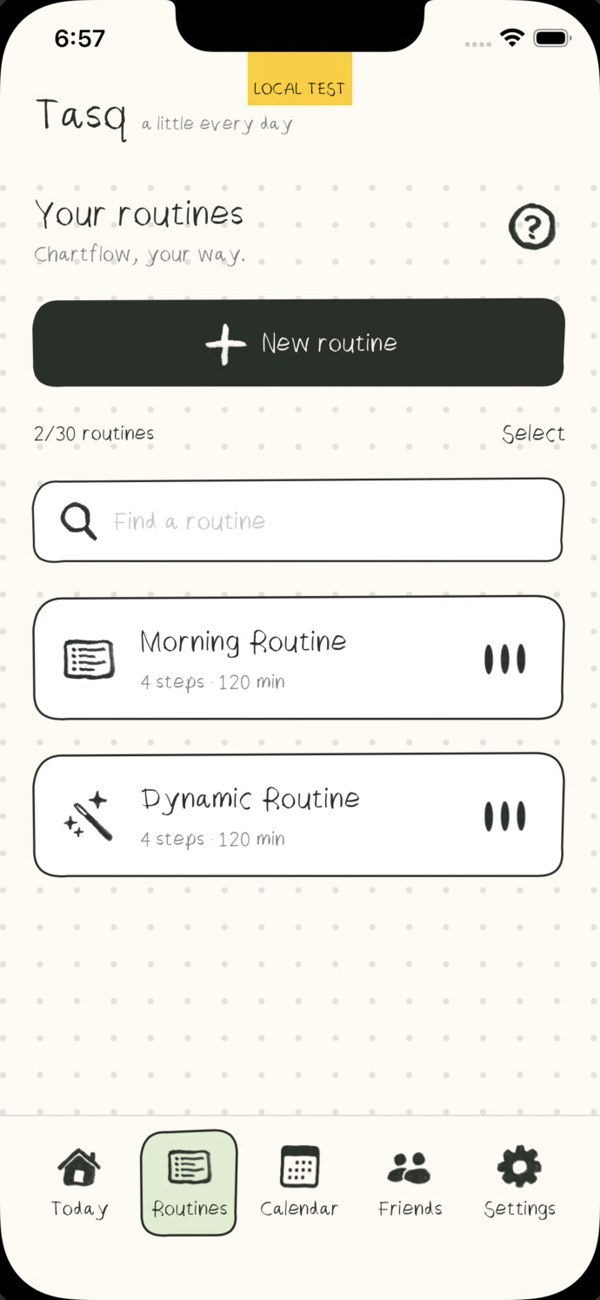
Give school mornings, study sessions, or your evening reset a routine of their own. Your library shows how many steps each one has and how long it takes.
Start a routine you’ve saved, or make a new one when your day changes.
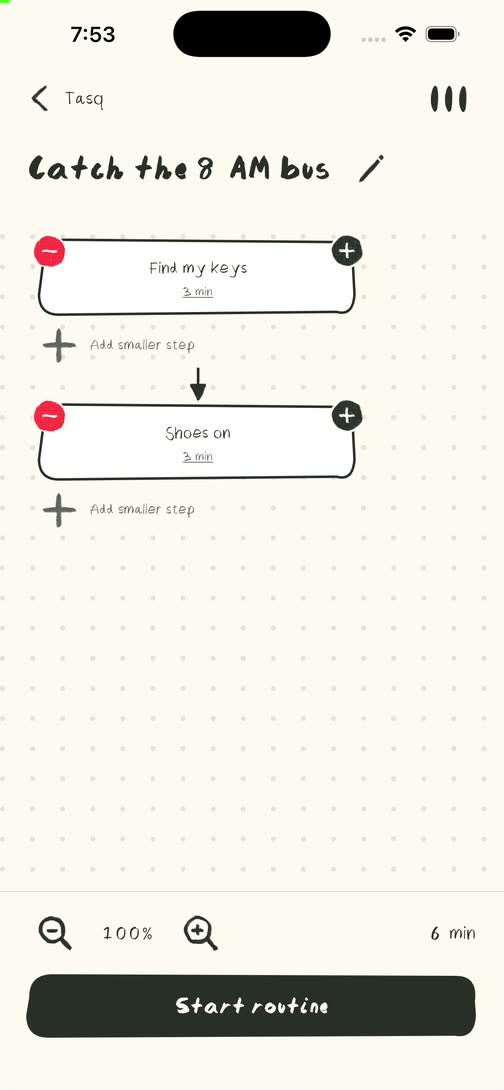
Draw out what comes first, what comes next, and how long each part takes. Break bigger tasks into smaller steps you can follow as you go.
Use the little plus to add another step.
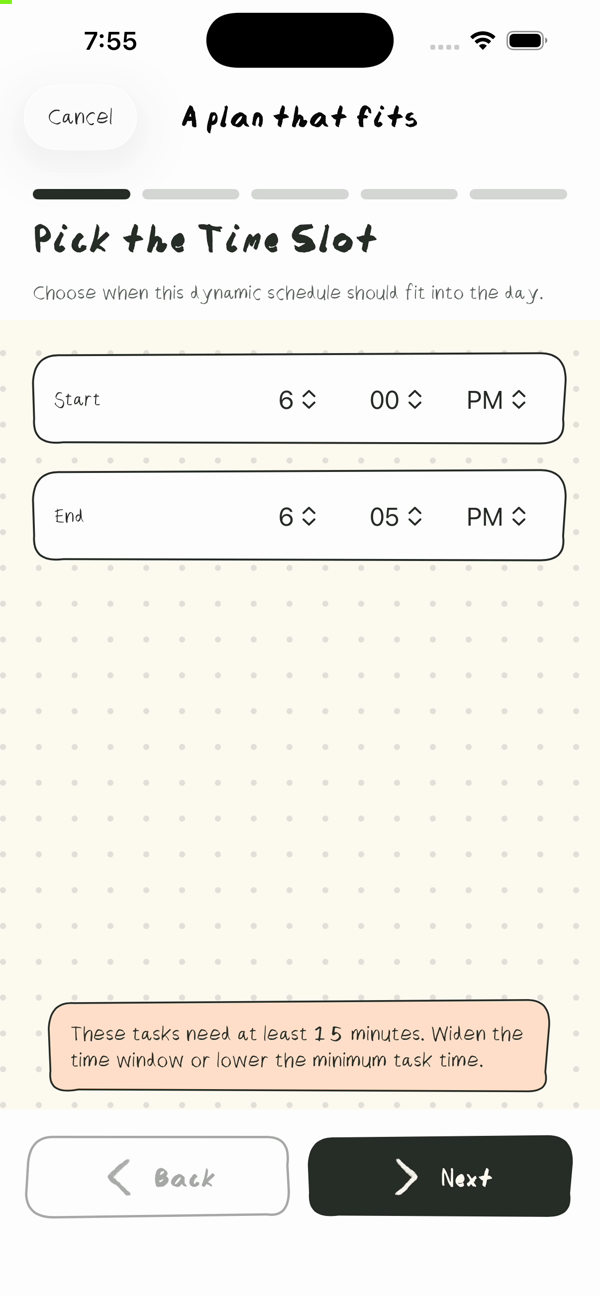
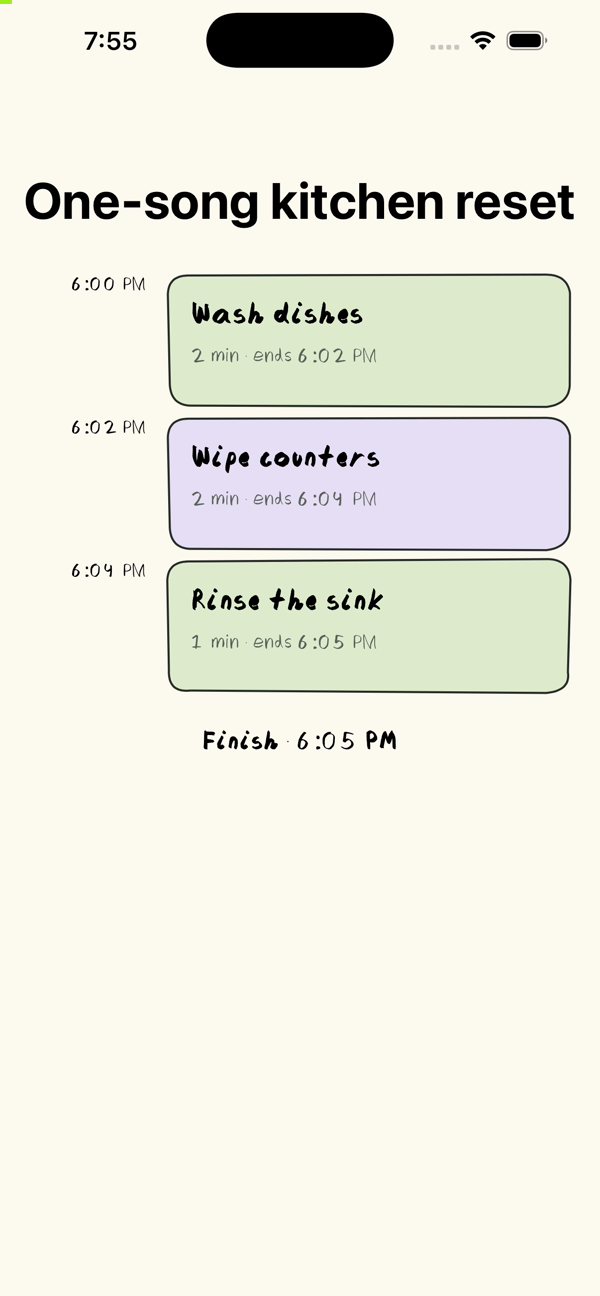
Give a routine a time window and see what fits. Try it before you leave the house or between two plans when you have a shorter stretch of time.
Pick the earliest start and latest finish.
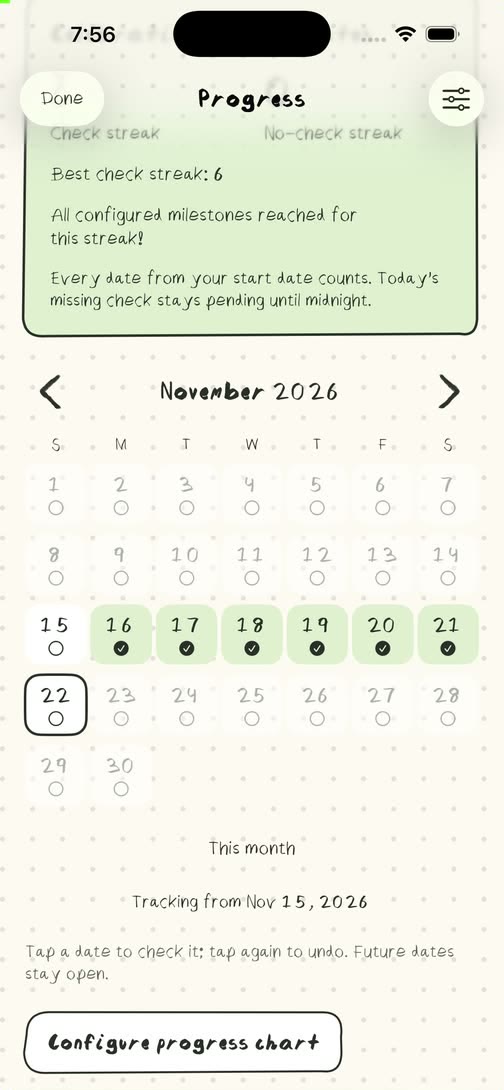
Use a progress chart for something you want to keep up with, like reading a little each night. The calendar shows which days you checked off.
Tap a date to mark it complete.
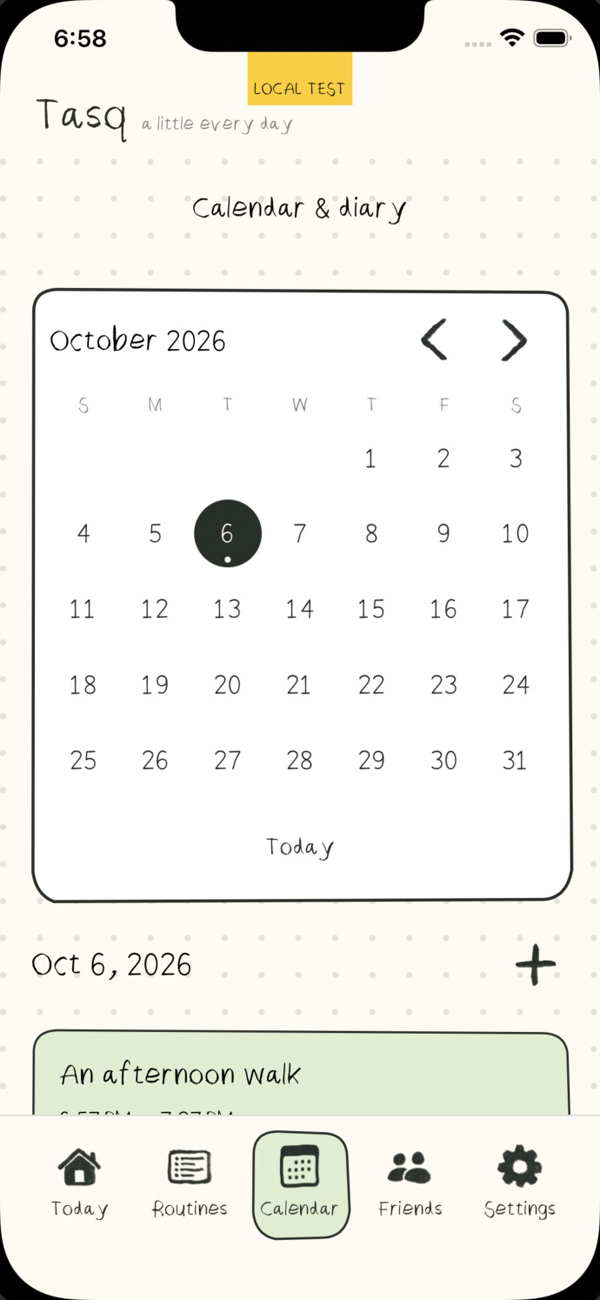
See one-time events and repeating routines together. Use the month view to look ahead, then pick a date to read the day’s plans in order.
Pick a day to see what’s coming up.
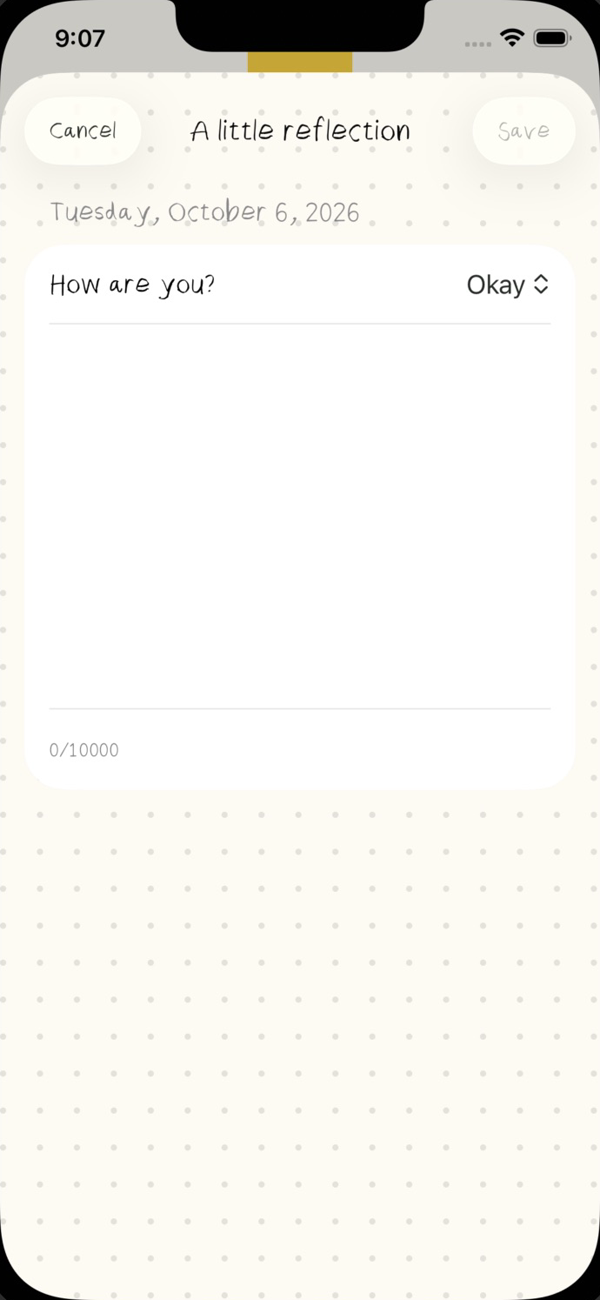
Give the day a moment of its own. Pick a mood and write down how things went, what surprised you, or what you want to remember tomorrow.
Open a reflection from the day it belongs to.

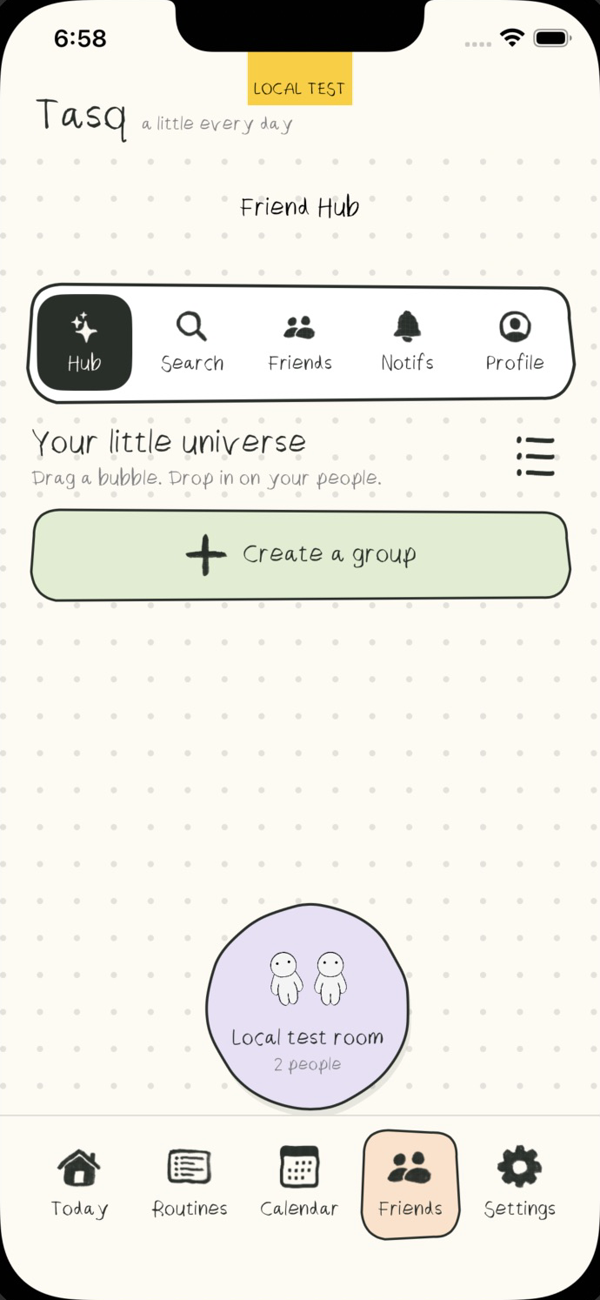
Give your group a little room of its own. Pop in to chat, start a shared focus session, or play a quick game between plans.
Open a group bubble to visit its room.

Turn a photo of your school schedule into calendar events. Charty reads the times and shows you a plan to review before you add it.
Attach a photo and ask, “Please add this as my schedule on Monday.”
Monday, October 26
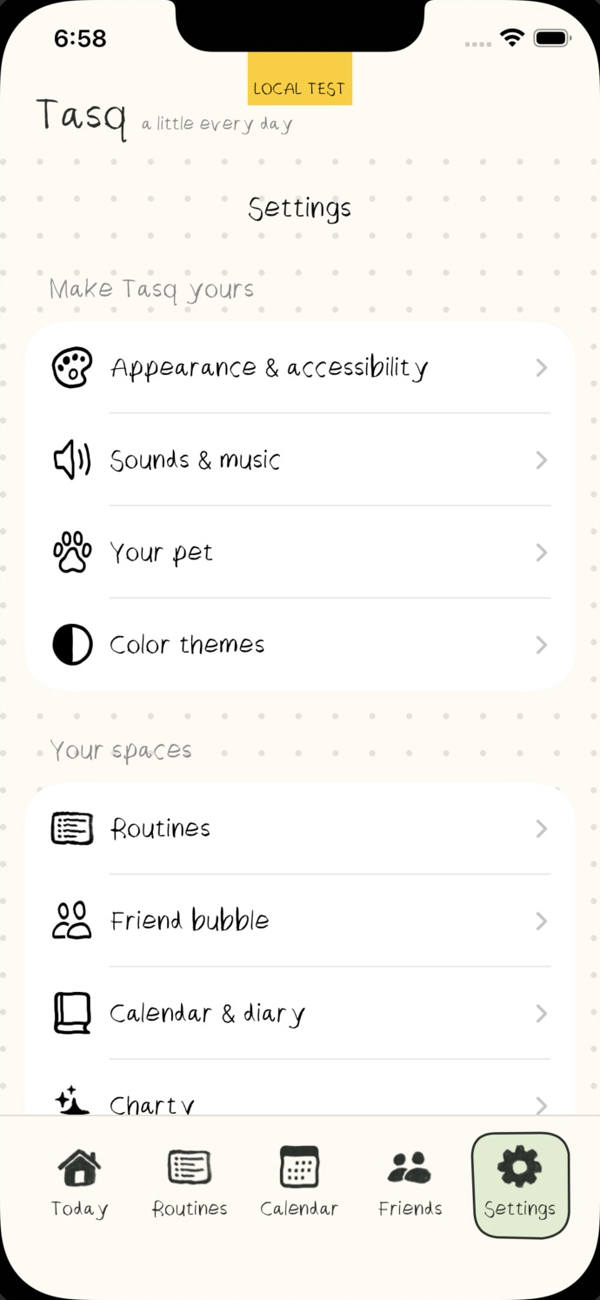
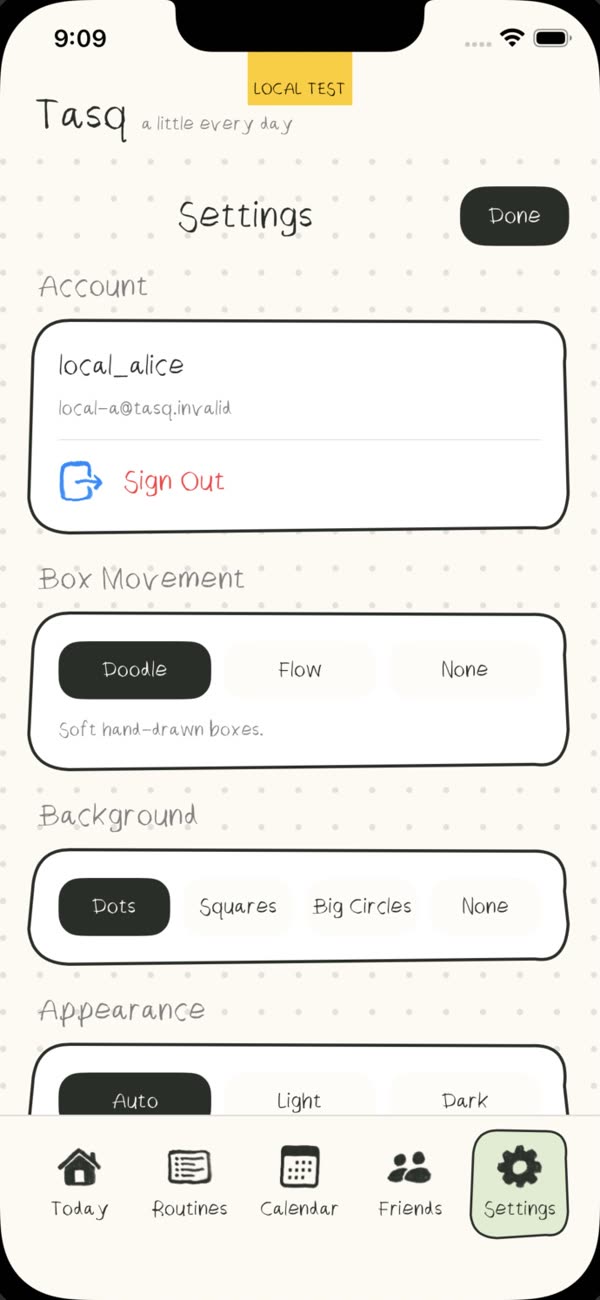
Choose a color theme and decide which sounds you want to hear. If the app feels too busy, change the text size and motion in Appearance & accessibility.
Open Appearance & accessibility to adjust how Tasq looks and feels.